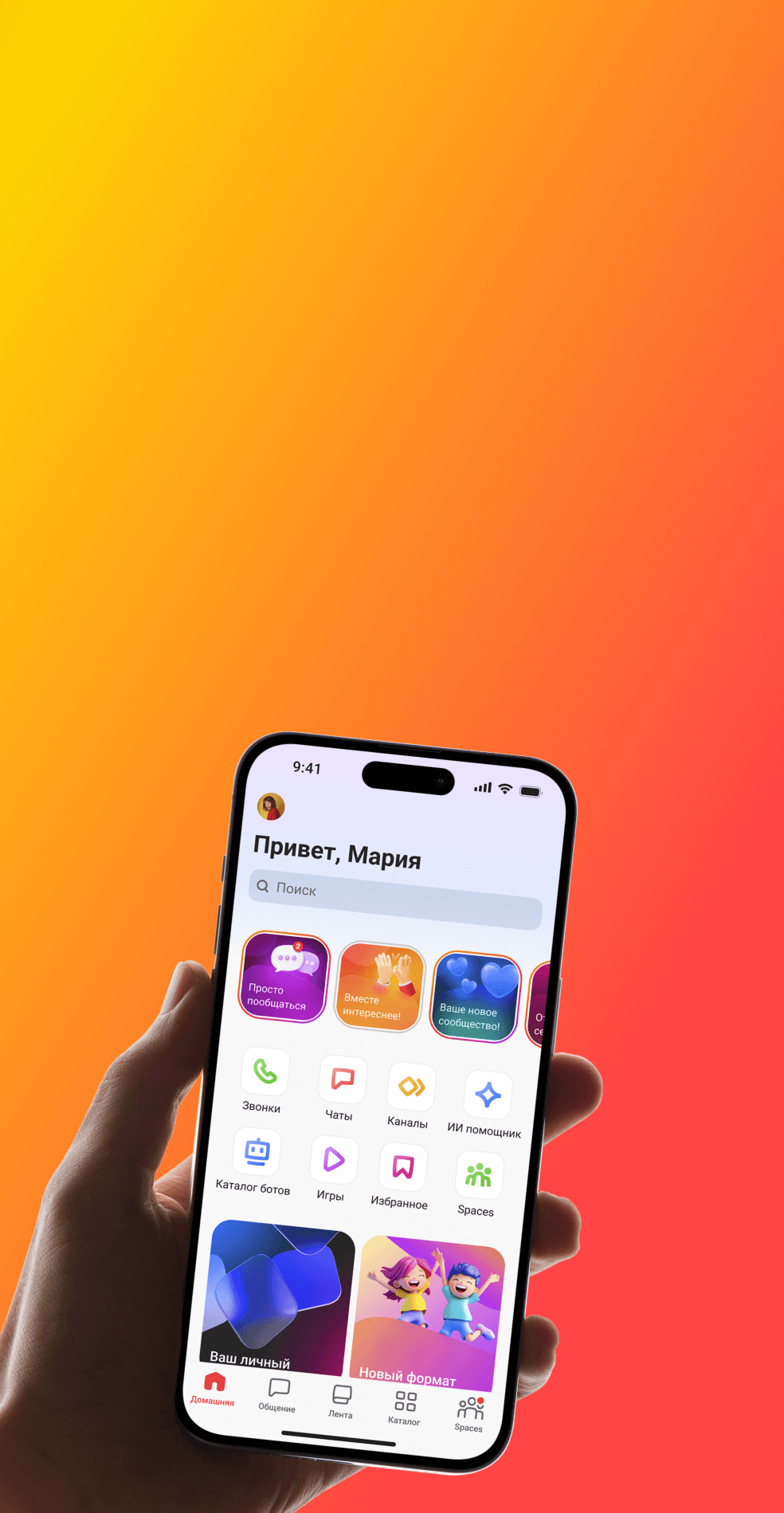
Gem Space Premium: What the Subscription Includes and How It Differs from the Free Version
Contents
Gem Space remains free for everyday communication. You can message, make calls, and use the app’s core features without a subscription. Premium is designed for people who use Gem Space more actively, whether that means making frequent calls, working with large files, hosting group meetings, or having more control over privacy.
Gem Space Premium expands the features you already use and removes some of the limits of the free version. Unlimited call duration, up to 1,000 participants, files with no size limit, unlimited voice message transcription, and additional privacy settings are all included in one subscription.
Here is what Premium includes and when these features can be useful.
Gem Space - all the tools for work in one application!
Calls with no time limit
A work meeting, lesson, or regular conversation can easily run longer than expected. With Premium, you do not have to end a call because you have reached the time limit and then start it again.
In the free version, calls can last up to 60 minutes. With Premium, there is no limit on call duration.
This is especially useful for work meetings, online classes, consultations, and long conversations.
Up to 1,000 participants in one call
Premium is not limited to one-on-one conversations. A single call can include up to 1,000 participants.
This makes it suitable for large teams, communities, study groups, and online event organizers. In the free version, up to 50 people can join a call.
Join calls without registering
Sometimes you need to quickly talk to a client, colleague, or someone else who does not use Gem Space yet.
With Premium, you can create a call link and send it to them. They can join without registering for Gem Space first.
There is no need to ask someone to create an account just for one meeting. Simply send them the link.
Webinars for up to 1,000 participants
For lectures, presentations, broadcasts, and other large online events, Premium includes Webinar Rooms.
They allow you to host online events for audiences of up to 1,000 people. Webinar Rooms are not available in the free version.
This format is useful when a regular group call is no longer enough.
Full HD calls
Premium supports Full HD video calls.
In the free version, call quality is limited to HD. The difference is especially noticeable during meetings where it is important to clearly see the other person, a presentation, or other visual materials.
Files with no size limit
Large videos, project archives, or heavy presentations often have to be uploaded to cloud storage first, with a link shared afterwards.
With Premium, files can be sent directly through Gem Space chats with no size limit.
In the free version, the maximum file size is 2 GB. That is enough for most documents, while Premium is especially useful for people who regularly share videos, archives, presentations, and other large files.
Voice messages turned into text
Voice messages are convenient to record, but they are not always convenient to listen to. You might be in a meeting, on public transport, or simply unable to turn the sound on.
Gem Space can automatically convert voice messages into text.
The free version includes one transcription per day. With Premium, transcription is unlimited.
You can open a long voice message, quickly read it, and decide whether you need to listen to the audio afterwards.
Unlimited pinned chats
If you have a lot of conversations, four pinned chats may not be enough for long.
Premium lets you pin as many chats and groups as you need. Work projects, family chats, clients, and important communities can all stay at the top of your list.
The free version allows up to four pinned chats.
Hide your online status
Sometimes you want to open the app, read your messages, and reply later.
With Premium, you can hide your Online Status so other users cannot see that you are currently using Gem Space. This option is not available in the free version.
This is useful for more than personal privacy. If you communicate a lot for work, manage a community, or receive a large number of messages, this setting gives you more control over when you appear available.
Control who can send you voice and video messages
If you have many contacts, incoming voice and video messages can become distracting.
Premium lets you choose who is allowed to send you these types of messages. This setting is not available in the free version.
It gives you more control over how other people can contact you.
Premium Badge
Premium subscribers will receive a special Premium Badge.
Users without Premium will have a one-month grace period. After that period ends, a subscription will be required to keep using the Premium Badge.
The badge is more of a visual extra. The main value of Premium comes from the expanded options for calls, files, transcription, and privacy.
What stays free
The launch of Premium does not mean Gem Space is becoming a paid messenger.
Without a subscription, you can still send messages, make calls, and use the app’s core features. Premium is mainly designed for more active use cases and higher limits.
The free version includes:
one voice message transcription per day;
calls of up to 60 minutes;
up to 50 participants in one call;
files up to 2 GB;
call quality up to HD;
up to four pinned chats;
no option to invite unregistered users to calls via a link;
no Webinar Rooms;
no option to hide Online Status;
no controls over who can send voice and video messages;
a one-month grace period for the Premium Badge.
Premium removes these limits or significantly expands them. Calls have no time limit, the participant limit increases to 1,000, file size limits are removed, and voice message transcription becomes unlimited.
Who Gem Space Premium is for
Premium is primarily for people who use Gem Space regularly and start running into the limits of the free version.
For work. You can hold longer meetings, bring together up to 1,000 participants, send large files, invite external participants via a link, and pin as many work chats as you need.
For studying and teaching. Premium works well for long classes, large group calls, and webinars. Full HD is useful when it is important to clearly see the teacher, a presentation, or shared materials.
For communities and creators. You can bring larger audiences into calls and webinars, invite guests without registration, and have more control over incoming messages.
For personal communication. The subscription removes the daily transcription limit, expands calling options, and gives you more flexible privacy controls.
Premium does not replace the free version of Gem Space. It is designed for users who find the free version sufficient for everyday communication but need more flexibility when the standard limits start getting in the way.
The key takeaway
Gem Space Premium expands the features people already use every day.
You can make calls with no time limit, bring together up to 1,000 participants, send files with no size limit, transcribe voice messages without limits, host webinars, and manage privacy in more detail.
At the same time, a subscription is not required for everyday communication. The free version still includes calls of up to 60 minutes with up to 50 participants, files up to 2 GB, HD call quality, one voice message transcription per day, and up to four pinned chats.
If those limits work for you, you can keep using Gem Space just as before. Premium becomes useful when the standard limits start getting in the way of work, studying, community management, or simply the way you prefer to communicate.